
Supply inputs
Assign a Unity Terrain, a mesh, a spline, a collider volume, or a texture mask. Use your own prefabs and materials for the output.
Build a forest around a road, keep vegetation above the shoreline, or give every biome its own placement rules. PWG runs those rules as a visual graph that you can rebuild in the editor or stream around the player at runtime.
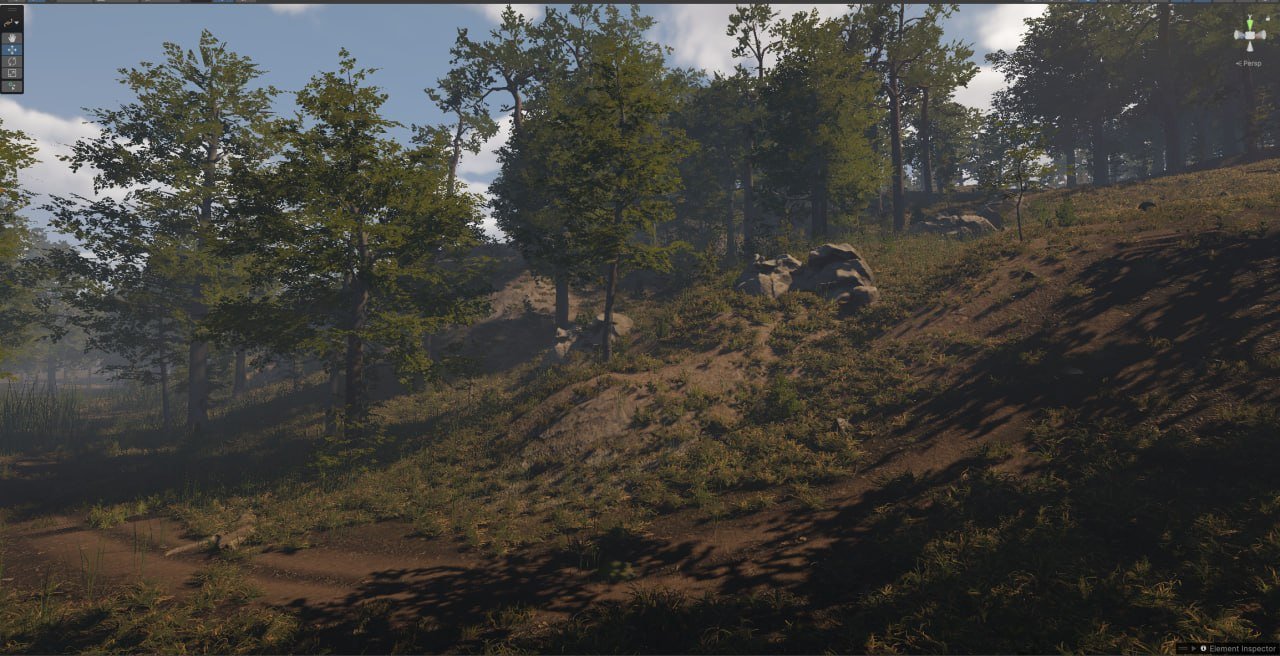
Start from scene inputs you already have. A graph turns those inputs into candidate points, applies your rules, and sends the result to the scene.
Assign a Unity Terrain, a mesh, a spline, a collider volume, or a texture mask. Use your own prefabs and materials for the output.
Generate points on surfaces or along paths. Each point carries a position, rotation, scale, seed, and any attributes your graph computes.
Filter by slope, density, noise, biome, or distance to a feature. A closed spline can keep placement away from lakes, buildings, or reserved areas.
Generate an area under an editor container, or add a Grid Size node and load cells around a moving focus such as the player.
Draw a route, edit its grading settings, or change a biome rule and inspect the downstream result in the same project.
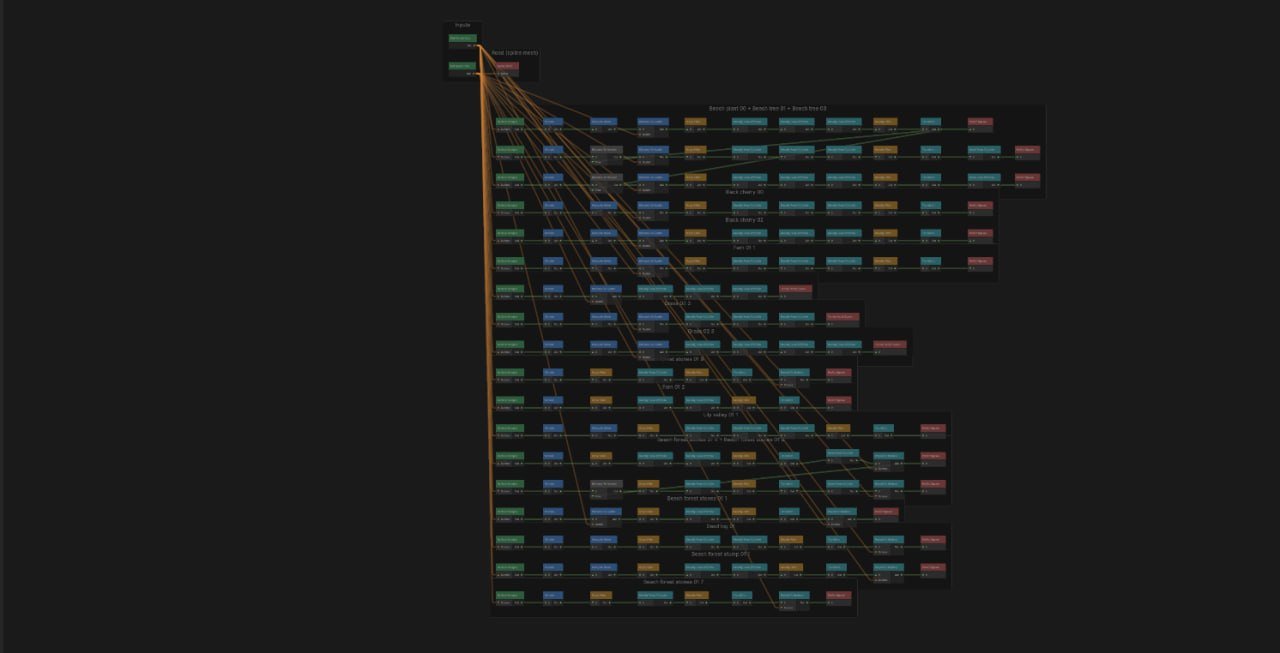
Connect typed ports, edit node settings in the inspector, and reuse graphs as subgraphs. Build on demand or enable Auto-Build to iterate in the scene.
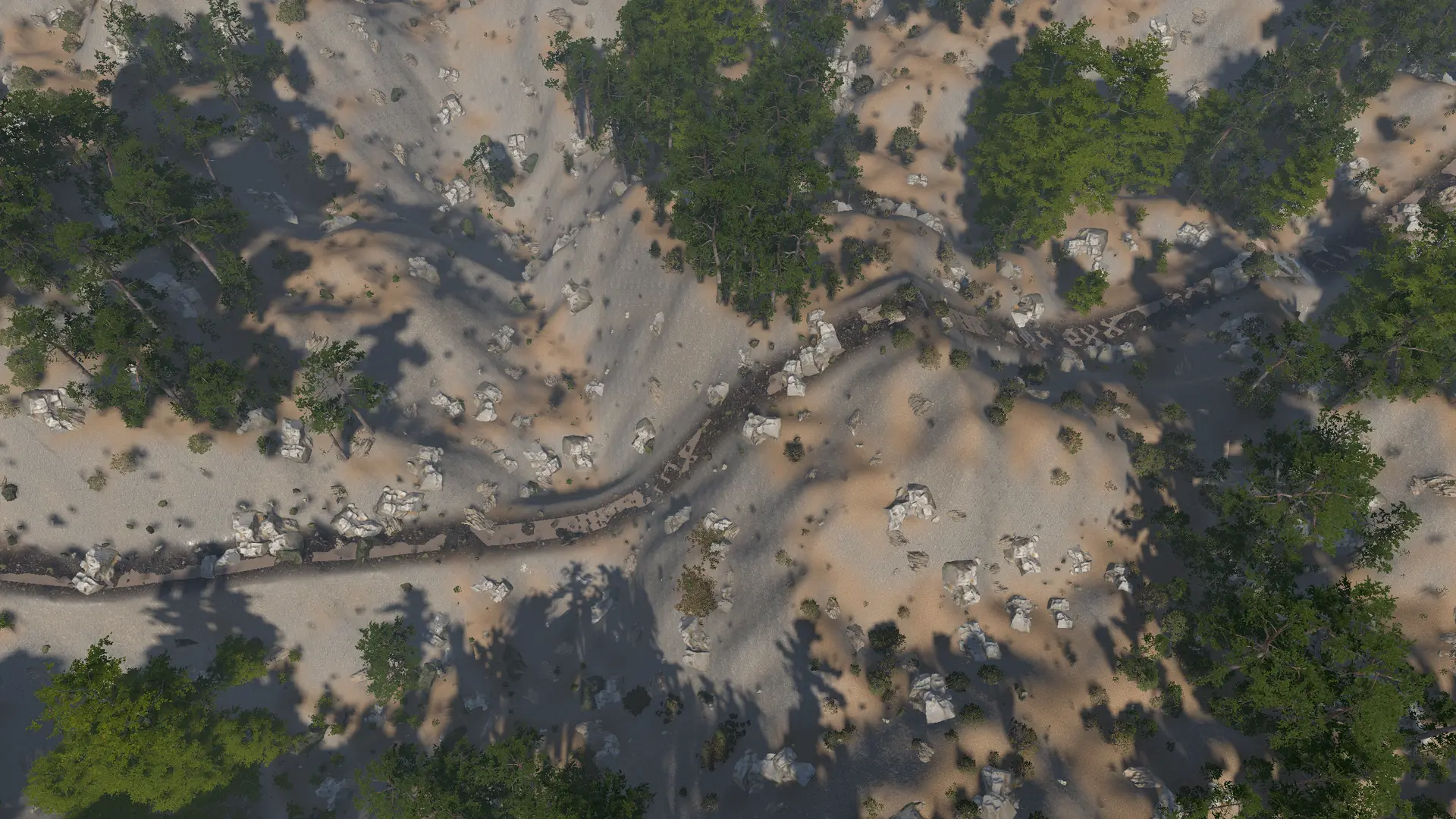
Turn Unity Splines into continuous road meshes. Set width, UV scale, material, and vertical smoothing, then grade the ground under the road and its shoulders.
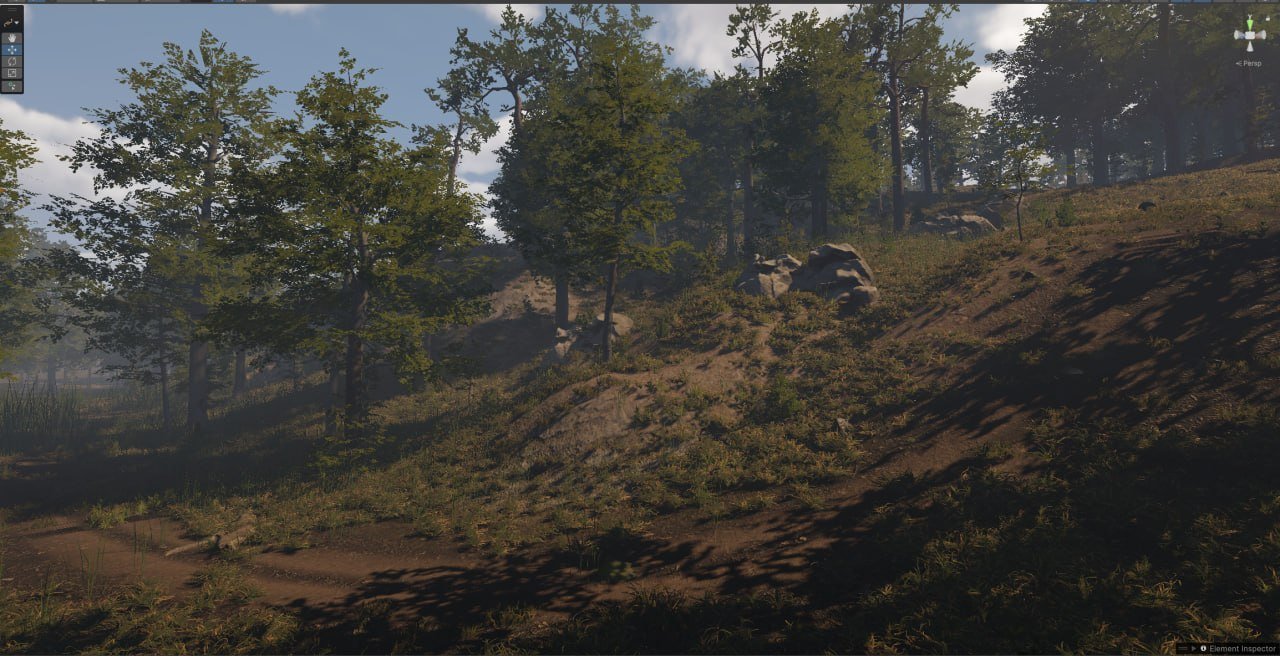
Scatter vegetation, rocks, or other prefabs with slope rules, density masks, and seeded scale and rotation. Keep placement clear of roads and exclusion zones.
Classify points by elevation, temperature, moisture, and water flow. Use a content graph per biome, blend borders, and drive prefab placement or terrain layers.
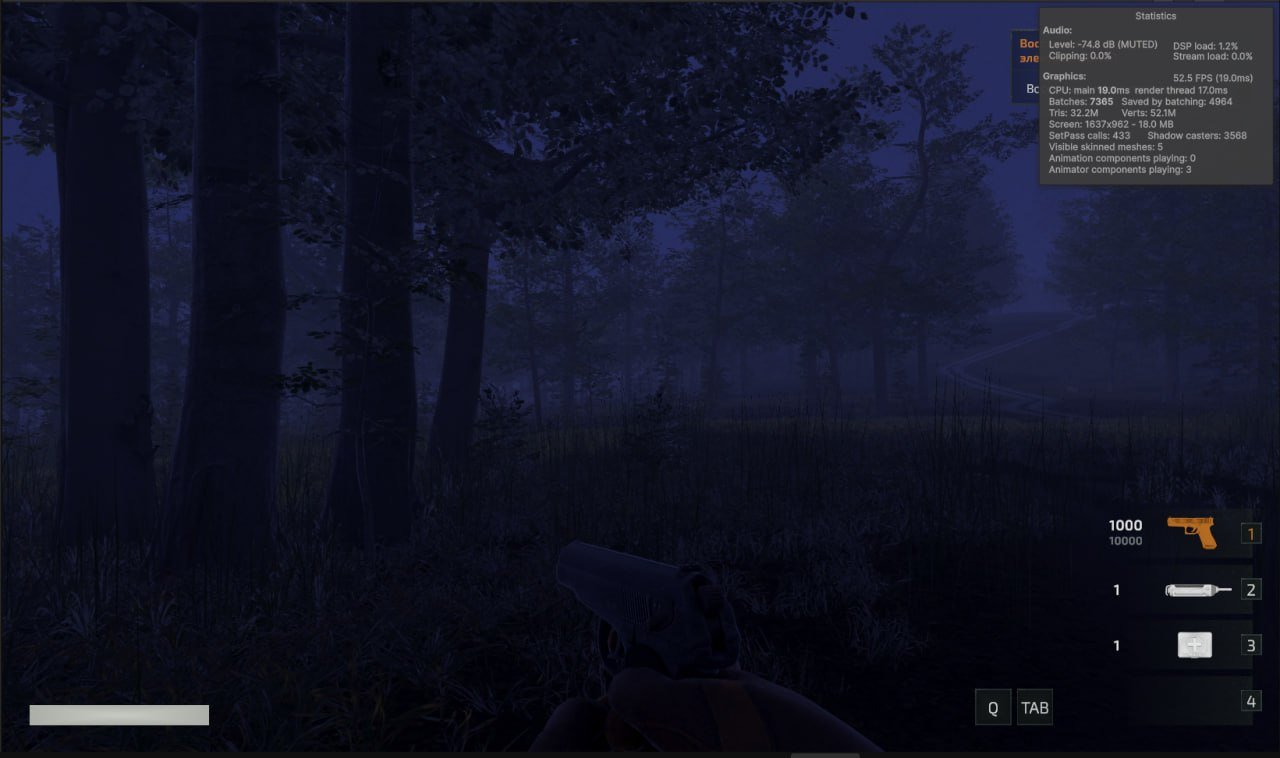
Load and unload around a focus transform, budget cell work across frames, and keep generated placements repeatable when a cell reloads. Prefab placements can also be baked for runtime loading.
Inspect point attributes in the graph and Scene view. At runtime, use the World Oracle API to find streamed placements near a position.
Turn on Debug for a node and rebuild. The point table shows position, density, and the node’s attributes, so you can check why the classifier chose a biome or why a placement rule filtered a point.
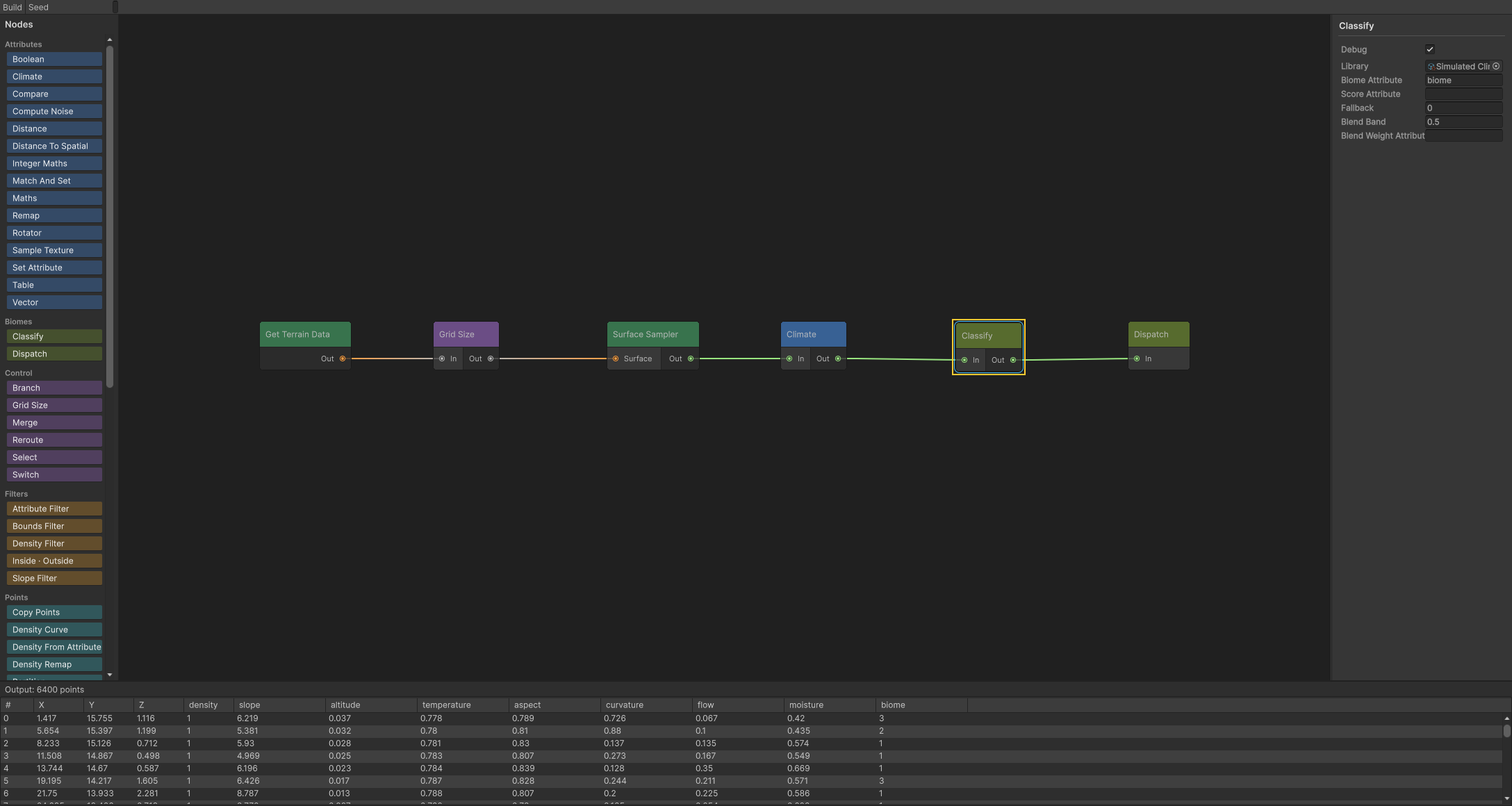
The package includes two editable Unity scenes and eleven smaller graphs for individual workflows.
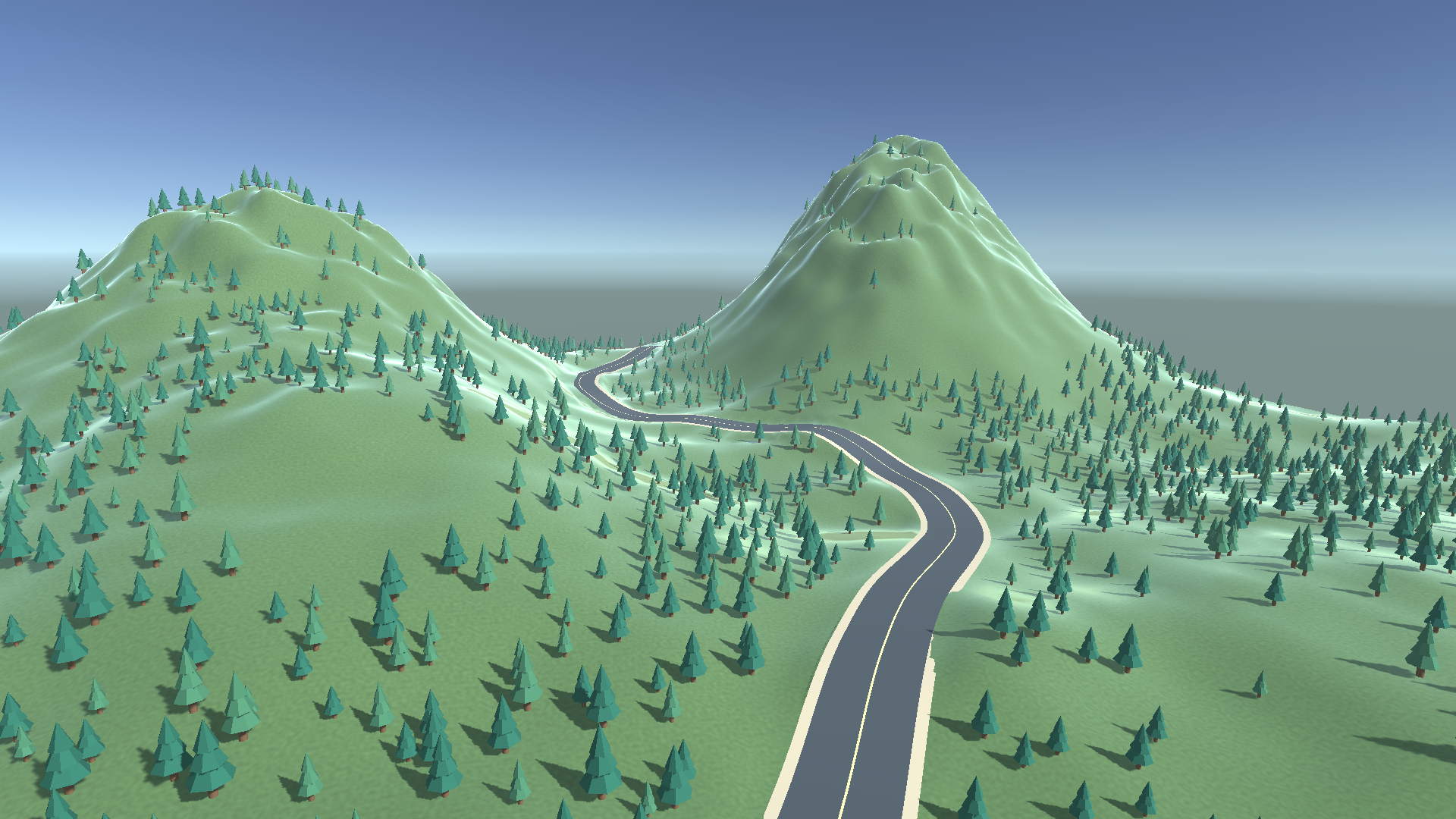
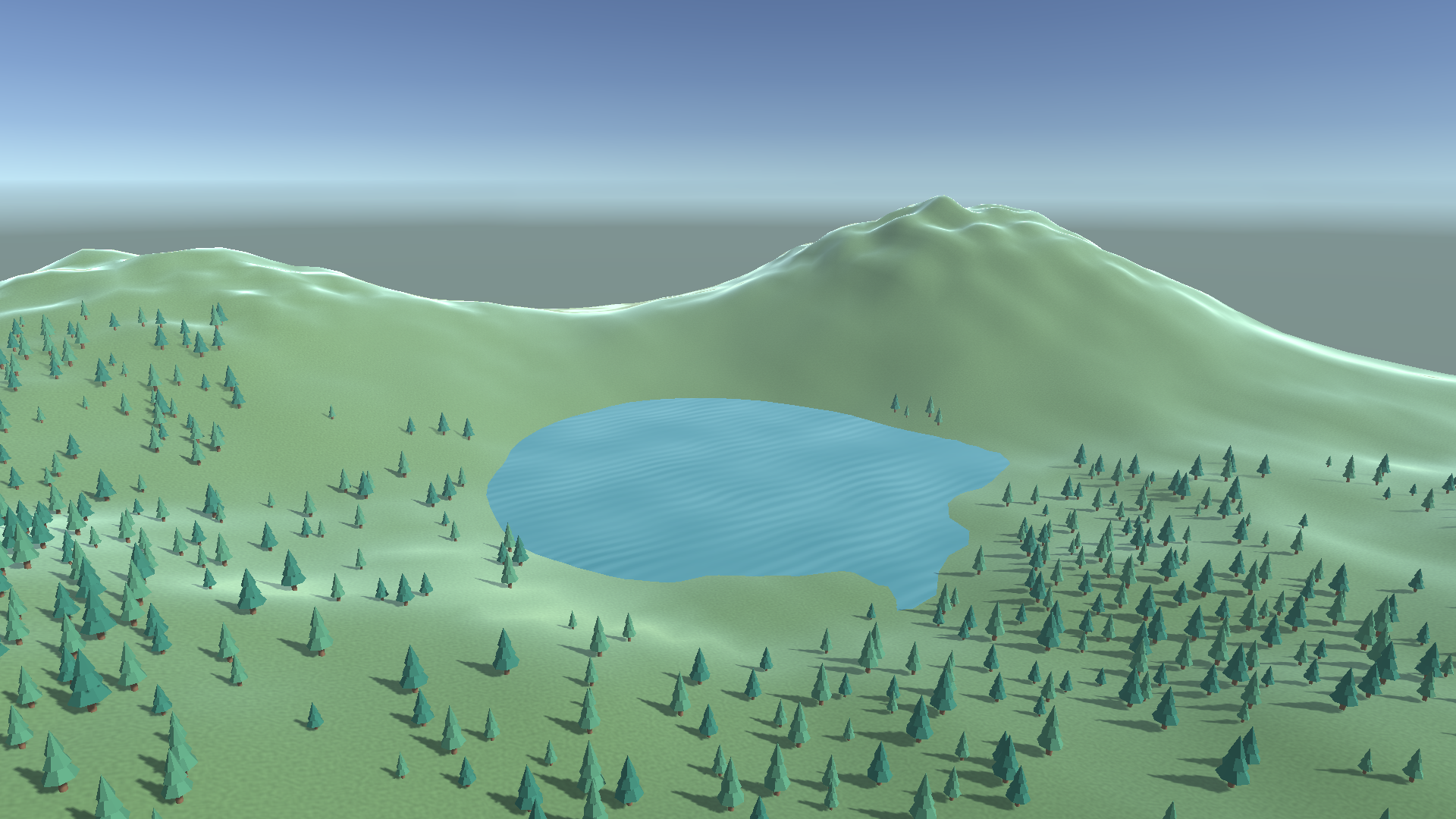
These captures show different stages of the same workflow, from authoring a biome graph to running the generated environment in a Unity project.
PWG is prepared as a .unitypackage for Unity 6000.3.9f1 with URP 17.3.0. Install Unity Mathematics 1.3.3, Burst 1.8.28, Collections 2.6.2, and Splines 2.8.2 through Package Manager before importing.
Start with either demo scene or open Tools → PWG → Sample Graphs. The package includes C# runtime and editor source, shaders, and offline documentation for setup, graph execution, and runtime queries.
The Unity Asset Store listing will be linked here once PWG is published.
Get in touch with questions about setting up or integrating PWG in your Unity project.